
Managing Deals Across Your Brokerage
Deals are the operational heart of a brokerage. RealDesk gives office administrators brokerage-wide visibility into deal pipeline, status, and handoffs to office review—without asking agents to maintain separate spreadsheets.
Key capabilities
- Brokerage deal inventory — View active, conditional, firm, and closed deals across agents and offices.
- Pipeline visibility — See where deals sit in the lifecycle and which records need office attention.
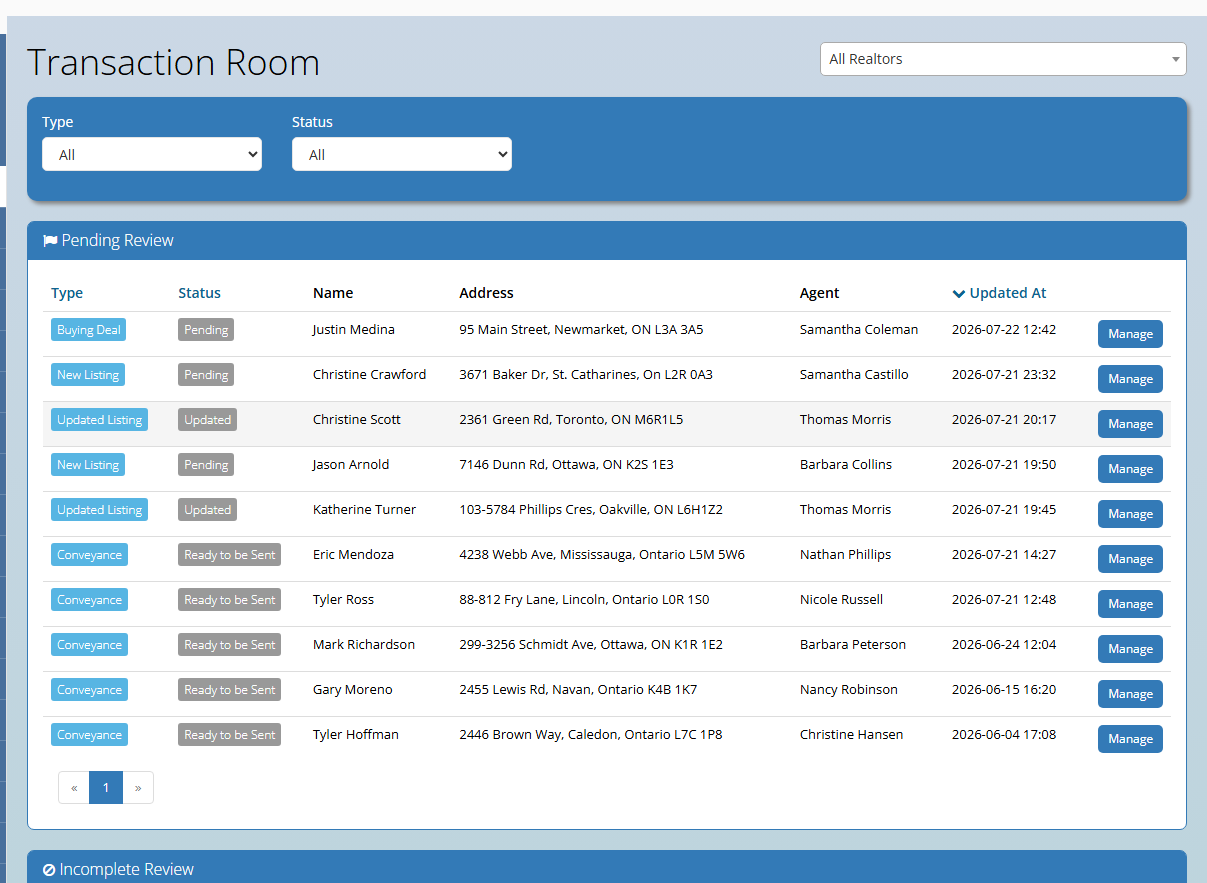
- Connected workflows — Deals link to listings, referrals, Transaction Room submissions, and closing readiness.
- Search and filtering — Locate deals by address, agent, client, or status when coordinating with agents or counsel.
- Office coordination — Support agents with questions while keeping brokerage-level oversight in one system.
How agents and office staff work together
Agents create and maintain deal records for their transactions. Office administrators monitor brokerage-wide deal activity, assist with questions, and route submissions into office review when files are ready.
Typical lifecycle
- A deal record is created when an offer is accepted or a transaction begins.
- Agents update parties, dates, and documents as the transaction progresses.
- Office staff monitor status and open Transaction Room or review workflows when submissions arrive.
Learn how RealDesk supports deal and office review workflows. Book an intro meeting.